Direct Remote Production Advisory • Faith & Community Broadcast Bookings Active for Malaysia & International Leaders
Direct Remote Technical Advisory

Step-by-Step Remote Live Streaming & Video Coaching for Community Leaders

Learn how to broadcast sermons, lectures, and panel discussions on YouTube Live and Facebook Live with crystal-clear microphone audio, multiple camera angles, and zero technical anxiety.

100% Remote Video Sessions
Vendor-Agnostic Equipment Guidance
Engineered for Non-Technical Volunteers
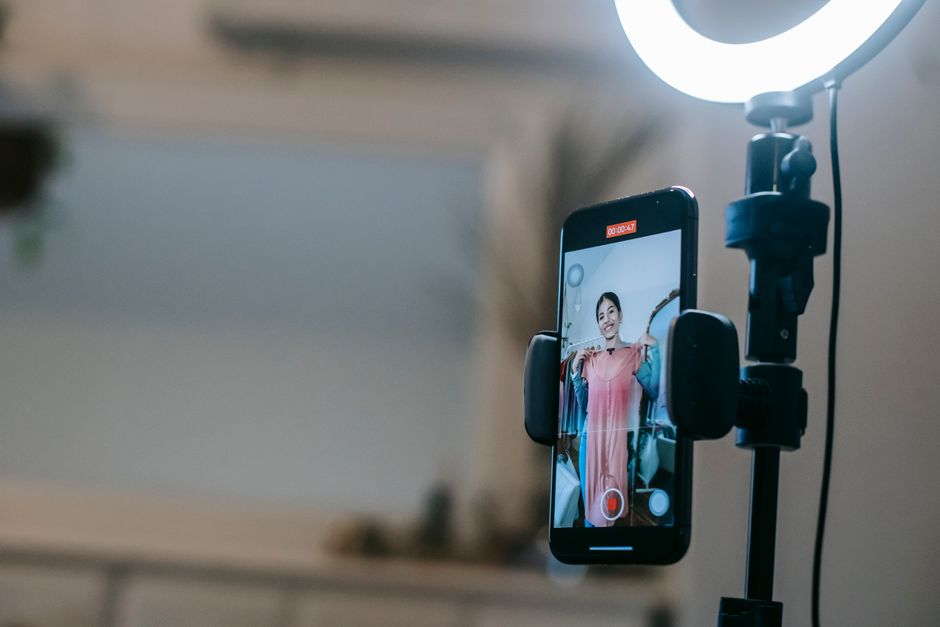
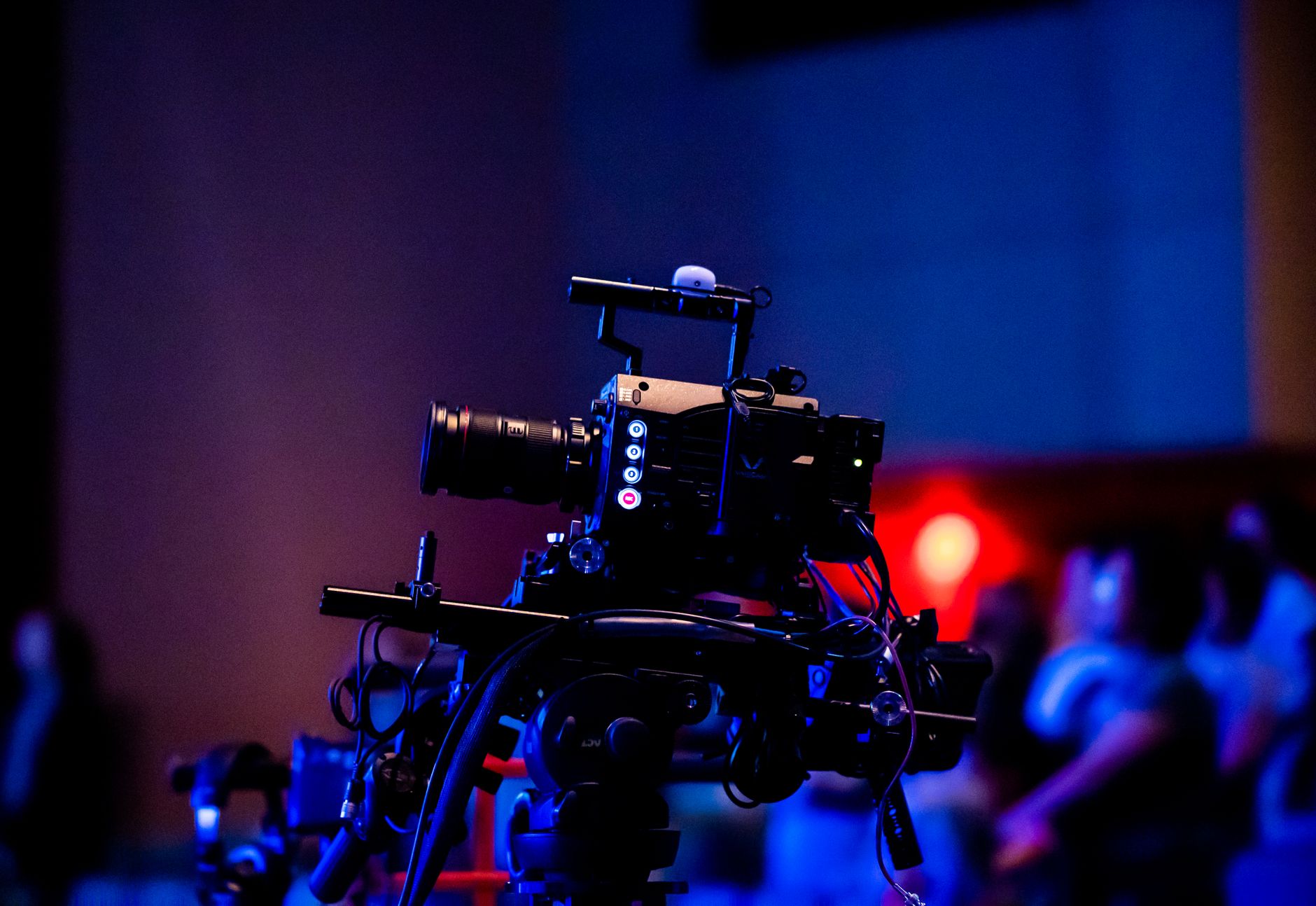
Broadcasting studio workspace with video camera, studio monitor, and vocal microphone setup
Remote livestream studio optimization: calibrated for volunteer simplicity and rock-solid YouTube & Facebook Live reliability.
Practice Philosophy

Unbiased Technical Coaching Without Commercial Markups

Most community organizations, places of worship, and educational non-profits in Malaysia and globally do not need an overpriced production agency or complex proprietary studio hardware that only an engineer can operate. You need a dependable, straightforward system that two volunteers can switch on with confidence every single week.

I am Simen Lie, an independent broadcast consultant based in Oslo, Norway. Through one-on-one remote video consultations, I audit your exact venue acoustics, recommend the most cost-effective cameras and microphones available in your region, and guide your team through step-by-step setup over live screen-sharing.

Because I do not sell hardware or accept vendor kickbacks, every cable, microphone, and video switcher is selected purely to solve your room's physical realities within your specified budget.

Direct Personal Accountability

"Live broadcasting for faith and community speakers should inspire connection, not cause panic before every event. We strip away unnecessary complexity, configure rock-solid failover settings, and document a 1-page physical run-of-show checklist that guarantees flawless sound and clean camera switching."

Simen Lie
Lead Broadcast Coach & Technical Advisor
Coaching Curriculum

Hands-On Technical Coaching Built for Community Broadcasters

Every remote engagement is scoped around the concrete equipment and workflows required for high-retention live broadcasts and podcast recordings.

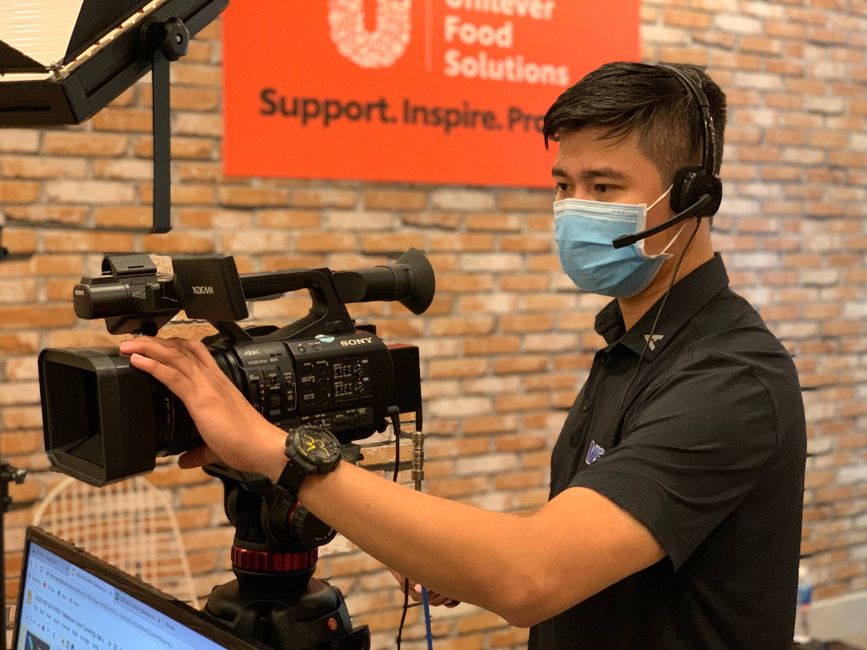
Studio microphone and balanced audio interface for live speech and podcast recording
Core Focus 01

Vocal Intelligibility & Microphone Topology

Bad video is tolerable; bad audio causes viewers to disconnect within ten seconds. We address the root cause of hollow, reverberant sound common in prayer halls and lecture auditoriums.

  • Dynamic vs. condenser microphones tailored to room acoustics
  • Wireless lavalier and headset frequency selection to prevent dropouts
  • Balanced XLR gain staging and digital limiter configuration
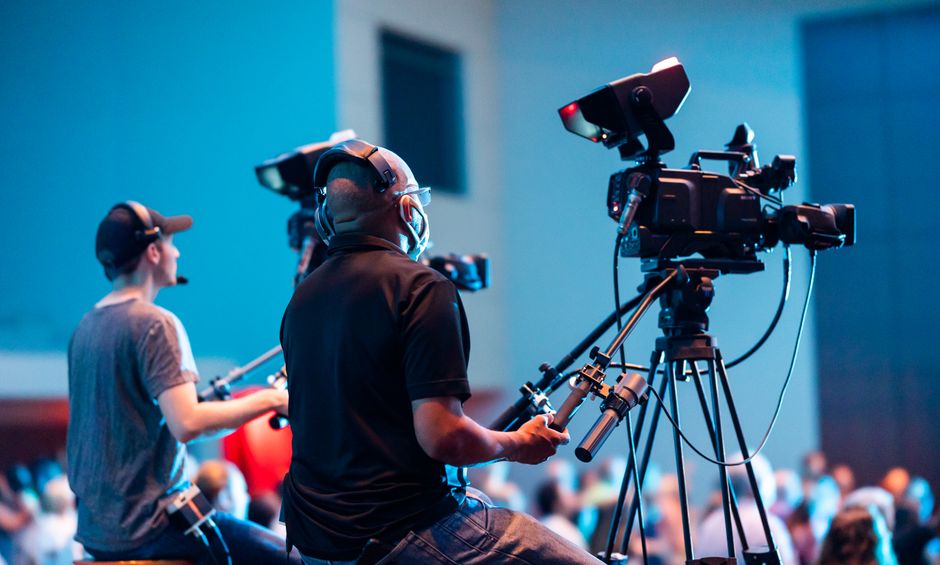
Multi-angle video camera production switcher and monitor display for live streaming
Core Focus 02

Multi-Angle Camera Framing & Hardware Switching

Elevate your broadcast beyond a single blurry webcam. We configure multi-camera setups using clean HDMI feeds from mirrorless bodies or PTZ optics directly into hardware switchers like the ATEM Mini series.

  • Wide room shot, tight speaker framing, and audience response angles
  • Hardware button mapping for seamless live transitions
  • Lighting angles to eliminate harsh overhead shadows on podiums
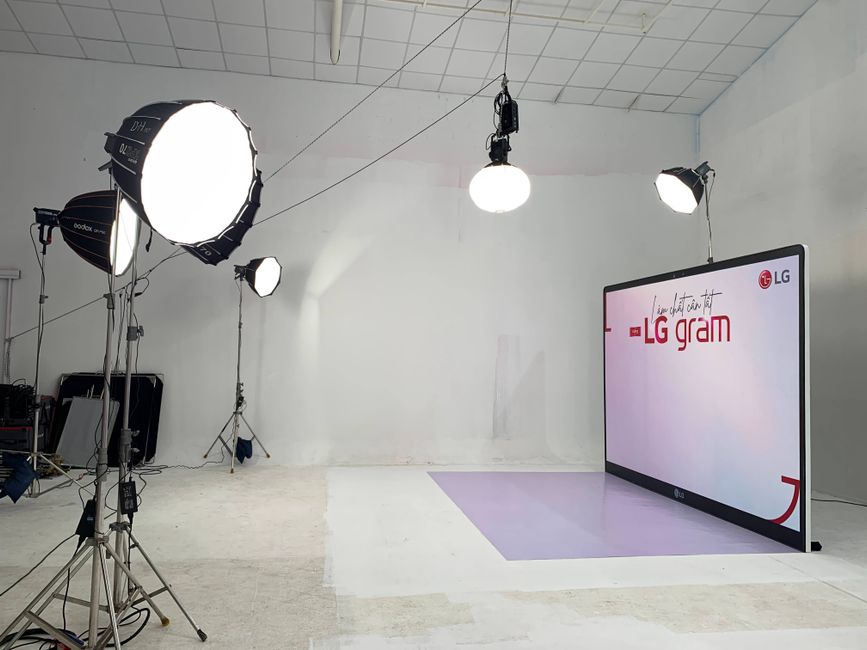
Live streaming software encoder dashboard streaming to YouTube Live and Facebook Live
Core Focus 03

Broadcast Encoding & Network Stream Stability

Configure OBS Studio or dedicated hardware encoders with the exact bitrate, keyframe interval, and color space settings matched to your local Malaysian ISP upload capacity.

  • Stable RTMP streaming to YouTube Live and Facebook Live
  • Simultaneous local master recording in high-bitrate 1080p/4K
  • Automated failover scenes in case of unexpected network throttling
Panel interview and community discussion room configured for multi-speaker broadcast
Core Focus 04

Panel Interviews & Community Forum Workflows

Structure multi-speaker panel discussions and podcast interviews with calibrated audio automixing so multiple open microphones do not create phase issues or room echo.

  • Balanced audio routing for two to four in-person discussants
  • Clean presentation slide injection without latency or frame drops
  • Archived content formatting for subsequent social media distribution
Architecture Matrix

Realistic Equipment Configurations by Broadcast Use Case

We scope solutions based on your room layout and actual operator skill level—never recommending gear you cannot comfortably manage.

Broadcast Scenario Microphone Architecture Camera Setup Video Switcher / Capture Volunteer Skill Required
Solo Podium / Sermon Dynamic vocal mic or digital UHF wireless headset + USB interface Single 4K mirrorless or PTZ camera with clean HDMI output Dedicated HDMI capture card to OBS Studio Beginner (Single button power-on and stream start)
Faith Service & Vocal Ensemble Multi-channel XLR mixer into balanced audio interface; ambient mics 2-3 Cameras: Wide sanctuary view + Tight podium + Choir angle Blackmagic ATEM Mini Pro with hardware program output Intermediate (Preset macro switching)
Community Panel & Interview Broadcast podcast microphones on boom arms or wireless lavaliers 2 Cameras: Cross-angle participant coverage + master wide Hardware video switcher with picture-in-picture graphics Intermediate (Audio gain balance & framing)
Educational Lecture / Workshop Lavalier bodypack with feedback suppressor 1 Camera on instructor + 1 Dedicated slide presentation input OBS Studio scene switching or ATEM Mini ISO recording Beginner (Pre-configured software hotkeys)
Advisory Roadmap

Four Concrete Steps to Flawless Live Broadcasting

A systematic consulting engagement structured to deliver immediate confidence to your media volunteers.

01

Free 30-Min Audit

We meet over Zoom to evaluate your hall acoustics, existing equipment, upload bandwidth, and primary broadcast objectives with zero obligation.

02

Custom Blueprint

You receive an itemized schematic PDF specifying exact cables, cameras, audio interfaces, and local Malaysian sourcing recommendations.

03

Remote Calibration

Through interactive screen-sharing, we configure OBS/ATEM profiles, calibrate microphone EQ, and lock in bitrate limits for maximum stability.

04

Volunteer SOP Card

We conduct a private dry-run rehearsal and furnish your team with a laminated 1-page operational run-of-show checklist.

Commercial Clarity

Clear Terms, No Retainer Traps, Zero Hidden Fees

Professional production consulting delivered with complete commercial transparency.

Initial Evaluation: 0 MYR

The introductory 30-minute technical evaluation is completely free of charge. We identify your main bottlenecks before any financial commitment is discussed.

Scoped Project Pricing

Subsequent technical coaching and calibration sessions are quoted on an itemized fixed-fee basis. You only pay for what your venue actually needs—never locked into monthly retainers.

1 Business Day Response

Operating hours are Monday through Friday, 09:00 - 18:00 CET, with flexible evening appointment slots arranged to comfortably suit Malaysian local time (GMT+8).

Frequently Asked Questions

Practical Answers Regarding Remote Coaching

Straightforward details on how remote technical advisory functions for organizations in Malaysia.

During our initial video consultation, you provide a brief smartphone walkthrough of your hall or sanctuary, noting dimensions, reflective surfaces, and existing power/networking outlets. Based on this, I construct a precise connection schematic and hardware guide. During our calibration session, we connect via Zoom, using high-definition screen sharing and remote desktop assistance to configure your OBS Studio, audio interfaces, and hardware switchers directly on your broadcast computer.

The entire philosophy of my practice is built around volunteer-operated environments. We intentionally avoid overly complex broadcast software setups that require constant fine-tuning. Instead, we lock in audio limiters, set fixed camera presets, and configure one-touch scene keys on physical hardware switchers. Your team receives a laminated one-page startup and shutdown checklist that anyone can follow reliably.

No. I operate strictly as an independent consultant and coach. I do not stock inventory, resell hardware, or receive commissions from equipment manufacturers. You purchase the recommended gear directly from reputable local Malaysian distributors or international retailers of your choice, ensuring complete price transparency and warranty protection.

For a crisp 1080p stream at 30 or 60 frames per second on YouTube Live or Facebook Live, a sustained, dedicated upload speed of at least 8 to 10 Mbps is recommended. We calibrate your encoding bitrate (typically 4,500 to 6,000 kbps) with a 35% safety overhead buffer to prevent frame dropping when venue WiFi fluctuates.

Yes. We configure your broadcasting software or hardware switcher to record a pristine, uncompressed local master to your local solid-state drive at the exact same time you are transmitting the compressed livestream to the web. This gives you broadcast-master files ready for podcast distribution, educational archiving, or video editing.

Request Your Free 30-Minute Technical Evaluation

Discuss your hall, current equipment challenges, and streaming goals directly with Simen Lie. Zero sales pressure, no third-party spam.

Submitted details are used exclusively to evaluate and reply to your consultation inquiry. We never share, sell, or disclose your contact details to third parties.